Maximize Functionality with Pause Point for Apple Watch
- Samantha Green
- 2 days ago
- 3 min read

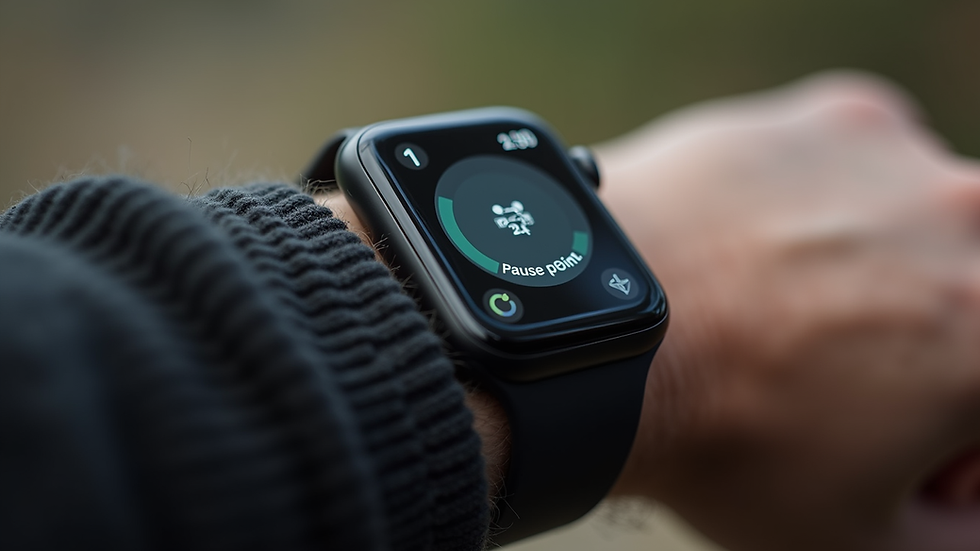
In a world where technology is constantly evolving, the Apple Watch stands out as a versatile tool that enhances our daily lives. One of its most useful features is the Pause Point, which allows users to take a break from their activities without losing track of their progress. Whether you're using your Apple Watch for fitness tracking, notifications, or even as a health monitor, understanding how to maximize its functionality with the Pause Point can significantly improve your experience.
What is the Pause Point Feature?
The Pause Point feature on the Apple Watch is designed to help users manage their activities more effectively. It allows you to pause ongoing tasks, such as workouts or timers, without having to reset or start over. This feature is particularly beneficial for those who lead busy lives and need to juggle multiple tasks at once.
Key Benefits of Using Pause Point
Flexibility: You can pause your workout or timer whenever necessary, making it easier to adapt to unexpected interruptions.
Progress Tracking: The feature ensures that your data is saved, allowing you to resume your activity without losing any information.
User-Friendly: The interface is intuitive, making it easy for anyone to use, regardless of their tech-savviness.
How to Use the Pause Point Feature
Using the Pause Point feature is straightforward. Here’s a step-by-step guide to help you get started:
Start Your Activity: Begin by selecting the activity you want to track, such as a workout or a timer.
Access the Pause Option: During your activity, swipe up on the screen to reveal the control options.
Tap on Pause: Select the pause button to temporarily halt your activity.
Resume When Ready: When you’re ready to continue, simply tap the resume button to pick up right where you left off.
Example Scenario
Imagine you’re in the middle of a run when you receive an important phone call. Instead of stopping your workout and losing your progress, you can simply pause it. Once the call is over, you can resume your run without any hassle.
Integrating Pause Point into Your Daily Routine
To truly maximize the functionality of your Apple Watch with the Pause Point feature, consider integrating it into your daily routine. Here are some practical tips:
For Fitness Enthusiasts
Interval Training: Use the Pause Point during interval training sessions. You can pause during rest periods and resume when it's time to work out again.
Group Workouts: If you’re exercising with friends, you can pause your workout while taking breaks or chatting, ensuring everyone stays on track.
For Busy Professionals
Meetings and Calls: If you’re using your watch to time tasks or meetings, pause the timer when interruptions occur. This way, you can maintain accurate records of your time spent on various activities.
Task Management: Use the Pause Point to manage your tasks throughout the day. If you need to switch gears, pause your current task and return to it later without losing focus.
Troubleshooting Common Issues
While the Pause Point feature is designed to be user-friendly, you may encounter some common issues. Here’s how to troubleshoot them:
Issue 1: Unable to Find the Pause Option
If you can’t locate the pause button, ensure that you’re in the correct activity mode. Some activities may not support the pause feature.
Issue 2: Data Not Saving
If your data isn’t saving after you pause, check your Apple Watch settings. Ensure that your watch is updated to the latest software version, as updates often fix bugs and improve functionality.
Enhancing Your Apple Watch Experience
To further enhance your experience with the Apple Watch, consider exploring additional features that complement the Pause Point. Here are a few suggestions:
Customizing Notifications
Customize your notifications to ensure you only receive alerts that matter. This way, you can focus on your activities without unnecessary distractions.
Utilizing Health Monitoring Features
Take advantage of the health monitoring features available on your Apple Watch. Track your heart rate, sleep patterns, and more to gain insights into your overall well-being.
Syncing with Other Devices
Sync your Apple Watch with other devices, such as your iPhone or iPad, to streamline your experience. This integration allows for seamless transitions between devices and enhances your productivity.

Conclusion
The Pause Point feature on the Apple Watch is a powerful tool that can help you manage your activities more effectively. By understanding how to use it and integrating it into your daily routine, you can maximize the functionality of your device. Whether you’re a fitness enthusiast or a busy professional, the Pause Point can help you stay organized and focused.
Take the time to explore this feature and see how it can enhance your Apple Watch experience. Remember, technology is here to support you, and knowing how to use it effectively can make all the difference.

Comments